We're heading to New Orleans! Our team will be at the ACCE Convention, July 20-22, and we're bringing MMS 2.0 and Pippily along with us. If you're a chamber or association manager, this is your sign to come say hi. We build for one reason: Building Stronger Chambers. Powering Stronger Communities. We exist to make your day-to-day easier, whether that's managing member renewals, tracking engagement, or showing your board the value you're creating. We'd love to show you what's new. Leading the charge for us on the ground is Pria Vijayaratnam, our Director for Enterprise Growth. Here's a note from her: Whether you're a longtime Chamber Nation member, exploring MMS 2.0, or just curious about what Pippily can do for your chamber's member engagement, I'd be happy to walk you through what's new — no slides, no pressure, just a real conversation. If you're planning to be at ACCE, I'd love to set aside 20–30 minutes to meet one-on-one. — Pria Vijayaratnam, Director of Enterprise Growth So if you'll be at ACCE26, find us. Say hello — we'd genuinely love to meet you and talk about how we can support what you're building. See you in New Orleans!
Discover the new automated AI posting writer for Chamber Nation. Describe your topic and let the AI handle the content, saving you hours on chamber blog management.
Explore the new member advertising report in Chamber Nation. Learn how to use metrics to boost renewals and attract new chamber members effectively.
Ai Tools Currently in MMS - Request Via a Ticket
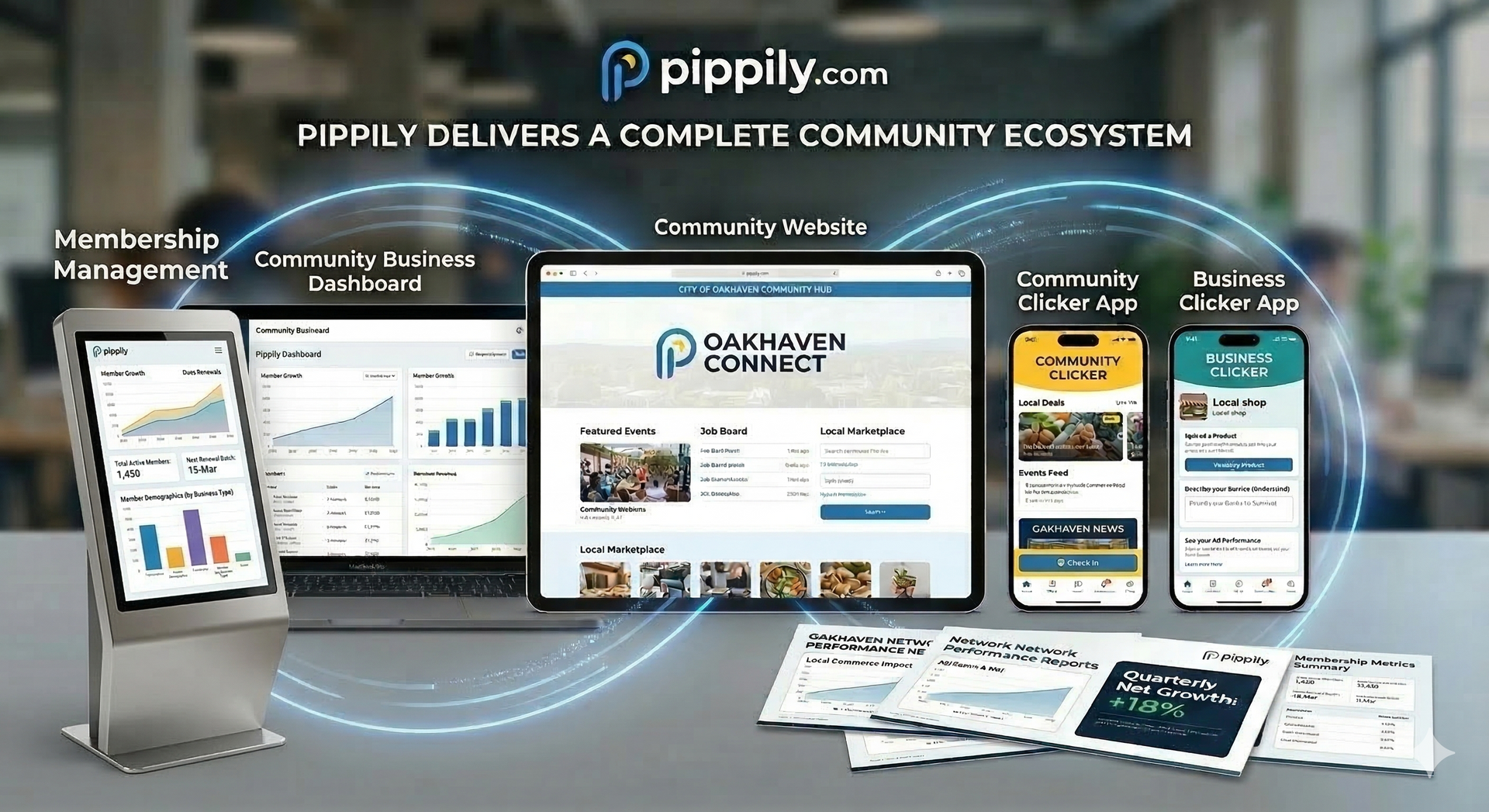
Exciting News: Your Community Platform Just Got a Major Upgrade!
March 18, 2026 Newsletter
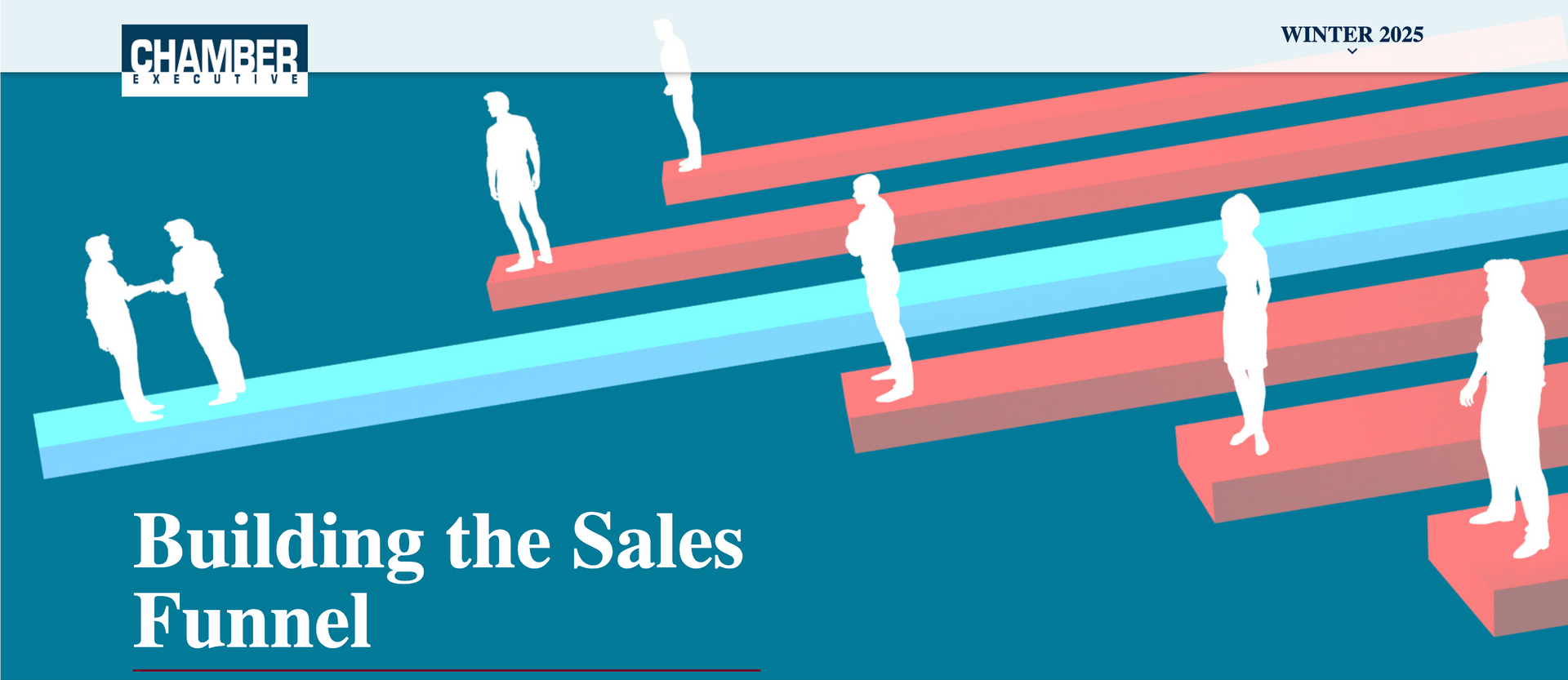
Five chamber membership sales pros share their approaches and activities
You're welcome to include this content in your own member newsletters or share this blog post if you'd like.
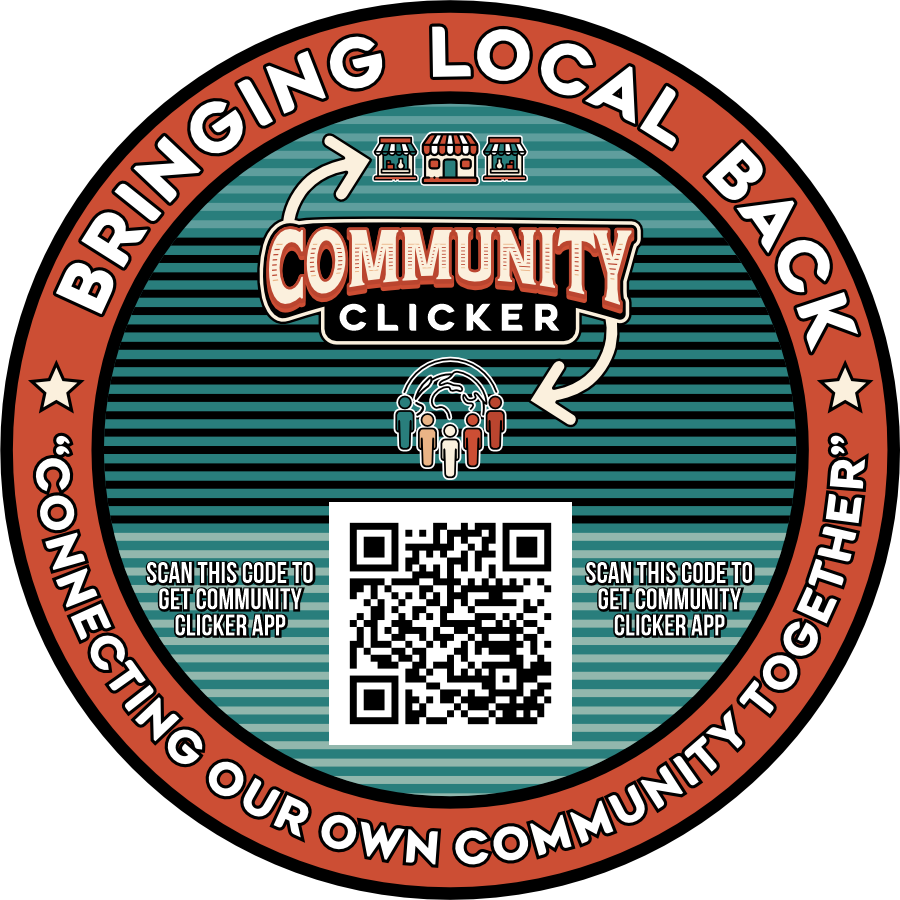
Here is the native file you can use to print stickers for your community.
We've Made Changes to the Members Area + ChamberPartnerships.Com